Scratched Apple gift card or Steam code: what to do first
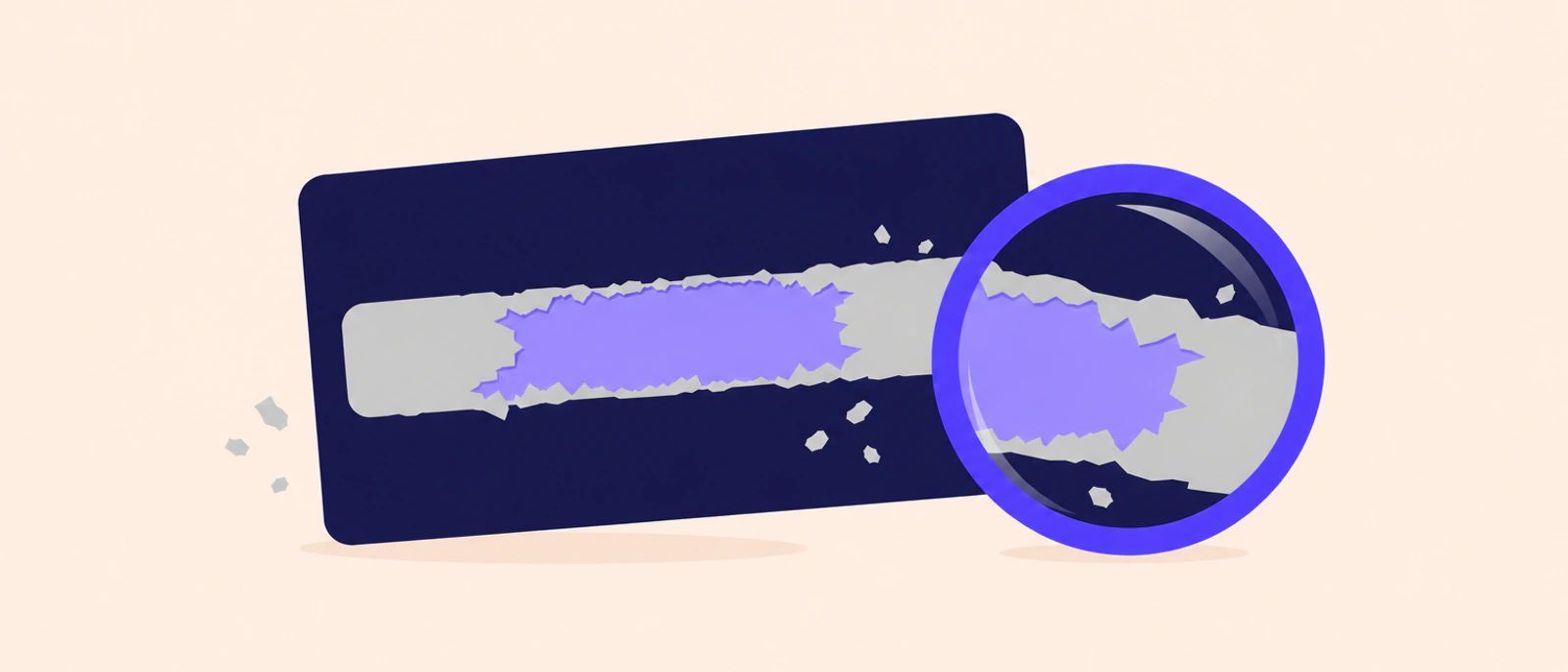
If the code on your Apple or Steam gift card is scratched, stop scratching, read what is left in good light and check every unclear character before you do anything else. If characters are missing, contact the card’s issuer: Apple may ask for photos of the card, the receipt and the serial number, and Steam handles gift card and wallet code problems through Steam Support. Tell the buyer about the damage before you send anything.
Key takeaways
- Stop scratching and read the code in bright light; Apple lists characters that are easy to confuse, such as B and 8 or S and 5.
- For a damaged Apple code, contact Apple Support, which may ask for an image of the front and back of the card, the receipt and the serial number.
- For a damaged Steam code, sign in to Steam Support and ask for help with a Steam Gift Card or Wallet Code.
- A code that cannot be read in full, or confirmed another way, is a reason a trade is declined, so say what happened in your first message.
First, stop and read what is left
- Put the coin down as soon as you see damage.
- Read the code in bright light, tilt the card so the light catches the print, and zoom in with your phone’s camera.
- Check each worn character against the pairs Apple lists as easy to confuse: B and 8, D and O, E and 3, G and 6, O and Q, O and 0, S and 5, U and V, and Z and 2 (Apple Support: If you can’t redeem your Apple Gift Card).
- Make sure you are reading the right code. On an Apple card, the redemption code is the one that begins with X, not another number on the card (Apple Support: If you can’t redeem your Apple Gift Card). Our guide to the numbers on an Apple gift card shows where the code and the serial number are.
The code is what carries the card’s value, as our guide to what a gift card is explains, so do not post the card, or a photo of its code, anywhere to ask for help reading it. Apple’s advice on gift card scams is not to give the numbers on the back of a gift card to someone you don’t know well or haven’t met (Apple Support: About gift card scams).
Scratched Apple gift card: what Apple asks for
Apple’s instruction is short: “If you can’t read the code on the back of your card because it’s scratched or damaged, contact Apple Support.” Its article on redeeming problems lists what you might need to provide (Apple Support: If you can’t redeem your Apple Gift Card, App Store Card, or App Store & iTunes Gift Card):
- an image of the full front and back of your card;
- a sales receipt showing when your card was purchased;
- the serial number from your card.
Keep the card itself, even if the code looks lost, and keep the receipt or order email with it: our guide to gift card receipts explains where to find one. The serial number Apple asks for is on the card, so a card in the bin is a card nobody can help with.
Scratched Steam card or wallet code
Steam handles these problems through Steam Support. Its help page for purchases lists the option “I need help with a Steam Gift Card or Wallet Code” and asks you to sign in to your Steam account to get personalised help (Steam Support: Recent Purchases). You need that account anyway: Steam says you must be logged in to a Steam account to redeem Steam Wallet codes (Steam: Redeem a Steam Gift Card or Wallet Code).
Keep the card and the receipt or order email while you wait for an answer, and do not try guessed characters on the redeem page. For a Razer Gold card scratched too far, see our guide to a scratched Razer Gold gift card, which sets out what Razer Gold Support asks for.
Can you still sell a card with a scratched code?
Sometimes. What decides it is whether every character can be read, or confirmed another way. A code that cannot be read in full and cannot be confirmed is one of the reasons we decline an Apple or Steam card, so say what happened in your first message, before you send any photo or code.
- Describe the damage in the chat: which characters are unclear, and whether Apple or Steam support is already involved.
- Send a photo of the back of the card only when the person asks for it, with every readable character in focus.
- Keep the receipt or order email. You can start without it, but Apple asks for it when a code is damaged, and whether you have it is one of the details checked for your final rate.
A readable code has the same reference rate as any other card of its kind: a $100 US Apple card comes to ₦108,300 (), and a $100 US Steam card to ₦116,500 (). The state of the card, including a code that is hard to read, is one of the things a person checks before confirming your final rate. Here is what to tell us in the chat.
What not to do with a damaged code
- Do not scratch harder to clean up the panel: you can remove the characters that are left.
- Do not guess missing characters and try them one after another.
- Do not redeem the code to test it. Apple adds a redeemed card’s value to your Apple Account balance (Apple Support: Redeem your Apple Gift Card), and Steam adds a redeemed code to your Steam Wallet (Steam: Redeem a Steam Gift Card or Wallet Code); neither is a gift card you can sell. To see what an Apple card holds without redeeming it, read how to check an Apple gift card balance.
- Do not send the code to anyone who promises to recover it.
- Do not throw away the card or the receipt.
Uncover the next code safely
Apple’s redeem guide says that for some gift cards you might need to peel or gently scratch off the label to see the code (Apple Support: Redeem your Apple Gift Card). Work slowly with something blunt, and stop to look as soon as the first characters appear.
If you plan to sell the card, there is no rush to uncover the code: the person in the chat asks for it, or a photo of it, after confirming your final rate. The official number on our Contact page is the only one to send it to.
Cards in this guide
- Apple / iTunes₦1,083 / $1Open the Apple / iTunes calculator
- Steam₦1,165 / $1Open the Steam calculator
The final rate is confirmed in chat.These reference rates may have changed. Please confirm in chat.
Questions about this guide
Can I still sell a gift card with a scratched code?
Yes, if every character can be read or confirmed another way. Say what happened in your first message, before you send any photo or code. A code that cannot be read in full and cannot be confirmed is a reason we decline a card, so keep the card and its receipt either way.
What does Apple need to help with a scratched code?
Apple's support article on gift cards that cannot be redeemed says to contact Apple Support when the code is scratched or damaged. You might need an image of the full front and back of the card, a sales receipt showing when it was bought, and the card's serial number.
Should I guess the characters I cannot read?
No. Check worn characters against the look-alike pairs Apple lists, such as B and 8 or S and 5, and ask Apple or Steam support about characters that are gone. Never post the code, or a photo of it, where others can see it, and in our chat send it only when asked.
Sources
- If you can't redeem your Apple Gift Card, App Store Card, or App Store & iTunes Gift Card, Apple Support.
- About gift card scams, Apple Support.
- Steam Support - Recent Purchases, Steam Support.
- Redeem a Steam Gift Card or Wallet Code, Steam.
- Redeem your Apple Gift Card, App Store Card, or App Store & iTunes Gift Card, Apple Support.
About the author
Writer, NairaPort
Harvey writes NairaPort's guides on selling gift cards for naira in Nigeria.
How we write these guides: what we say about a card, such as where it works or how to check it, comes from the issuer's own pages. We link each page where we use it and list it under Sources with the day we last checked it.